







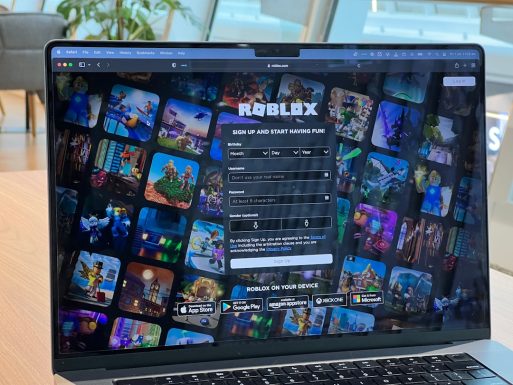
Roblox is full of fun. You can build worlds. Play games. Chat with friends. But if you want access to certain features, you may need to verify your age. That’s where things get serious.
TLDR: No, you should not use someone else’s photo for Roblox age verification. It breaks Roblox’s rules and can get your account banned. Age verification is meant to confirm your real identity and age. Always use your own real documents to stay safe.
Now, let’s break it all down in a simple way.
Why Does Roblox Ask for Age Verification?
All Heading
Roblox has millions of users. Many are under 13. To keep everyone safe, Roblox separates certain features by age.
If you want access to:
- Voice chat
- 13+ or 17+ experiences
- Age-restricted content
You may need to verify your age with a real government-issued ID.
This helps Roblox:
- Protect younger players
- Follow online safety laws
- Reduce fake accounts
- Create a safer community
It’s about safety. Not just rules.
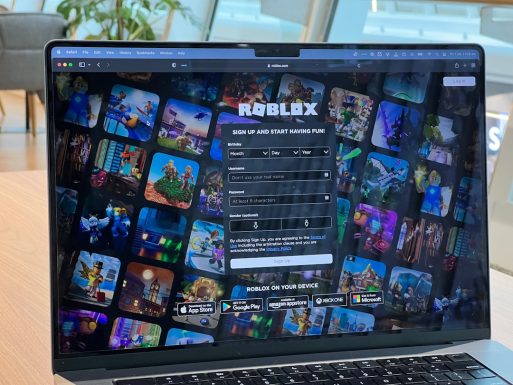
How Roblox Age Verification Works
The process is actually simple.
- You upload a photo of your government ID.
- You take a selfie.
- The system matches your ID to your selfie.
This is done through a third-party verification provider. It checks that:
- The ID is real.
- The ID belongs to you.
- You are the correct age.
The process uses facial recognition technology. It compares your face to the one on the ID.
It’s automatic. And very hard to trick.
So… Can You Use Someone Else’s Photo?
Short answer?
No.
Long answer?
Still no.
Here’s why.
1. It Breaks Roblox’s Rules
Roblox’s Terms of Service clearly state that you must provide accurate information. Using someone else’s photo or ID is considered:
- Impersonation
- Fraud
- Misrepresentation
That can lead to:
- Account suspension
- Permanent ban
- Loss of Robux
- Loss of purchased items
All your progress? Gone.
2. The System Is Smart
You might think, “What if I use my older sibling’s ID?”
Here’s the problem.
The system requires:
- ID photo
- Live selfie
If your face doesn’t match the ID, verification fails.
And if you somehow manage to bypass it? Roblox may detect it later during reviews.
Technology catches up.
3. It Can Cause Real-World Trouble
Using someone else’s ID without permission can be serious.
In some places, that’s identity fraud.
Even if it’s your friend. Even if they said yes.
It’s not worth the risk.
What Happens If You Get Caught?
Roblox takes safety very seriously.
If they discover fake verification, they may:
- Immediately remove voice chat access
- Lock your account
- Permanently ban your account
- Block future verifications
In most cases, bans are permanent.
No second chances.
Imagine losing:
- Years of progress
- Exclusive items
- Limited skins
- Digital collectibles
All because of one shortcut.
Why Do People Even Try?
Let’s be honest.
Most players who try this are under 13 or under 17. They want:
- Voice chat access
- Older friend groups
- Age-restricted games
- More freedom
That’s understandable.
But Roblox sets age limits for safety reasons.
Younger users are more vulnerable to:
- Online predators
- Scams
- Harassment
- Inappropriate content
Age separation helps reduce those risks.
Can You Use a Parent’s ID Instead?
This question comes up a lot.
“What if my parent lets me use their ID?”
It still doesn’t work.
Why?
Because the face must match the ID photo.
If your parent verifies and passes the selfie check, then the account technically belongs to them.
That creates other problems:
- The account may be treated as an adult account
- Responsibility shifts to the parent
- Future checks may fail
- You may lose access later
It creates confusion.
And confusion online is never good.
What Should You Do Instead?
Here’s the smart approach.
1. Wait Until You’re Eligible
Sometimes waiting is the best move.
Roblox isn’t going anywhere.
When you reach the required age, you can verify properly.
No stress. No risk.
2. Talk to Your Parents
If you really want voice chat, discuss it.
Parents can:
- Review Roblox’s safety settings
- Adjust privacy controls
- Monitor activity
Safety first. Always.
3. Use Parental Controls
Roblox offers built-in parental tools.
- Communication limits
- Chat filters
- Spending controls
- Screen time settings
These help create a safer experience without fake verification.
Is Age Verification Safe?
Many users ask if uploading ID is safe.
Roblox uses secure verification partners. Information is encrypted. The ID is used to confirm age.
Still, you should:
- Only verify through the official Roblox website or app
- Never send ID through email or DMs
- Avoid third-party “verification services”
If a website promises to “verify you without ID,” it’s likely a scam.
Stay alert.
Common Myths About Using Someone Else’s Photo
Myth 1: “They’ll Never Know.”
Facial recognition is precise. Mismatches get flagged.
Myth 2: “My Friend Did It and Nothing Happened.”
Maybe. For now.
Roblox can review accounts at any time.
Myth 3: “It’s Just a Game.”
Roblox is a game platform. But identity verification involves real legal age checks.
That’s serious.
The Bottom Line
Using someone else’s photo for Roblox age verification is a bad idea.
It breaks the rules. It risks your account. It can even break laws.
Roblox created age verification to keep players safe. Not to block fun. But to protect young users from harm.
If you are not old enough yet, that’s okay.
There are thousands of games designed just for you.
And when your time comes?
Verify honestly.
Play safely.
And keep your account secure.
In the end, no feature is worth losing your entire Roblox world.
Stay smart. Stay safe. Keep building.





Recent Comments